
Overview
The Recent Starts and Returns section on your Dashboard shows which employees are starting leave or returning to work, laid out on a weekly calendar. Use the All, Returns, and Starts filters to focus your view, and the left and right arrows to move week to week.
Who this applies to / Prerequisites- You have an HR user role in Tilt.
- You are viewing the Dashboard tab after signing.
Check Recent Starts and Returns
The Recent Starts and Returns section shows which employees are starting leave or returning to work, laid out on a weekly calendar.
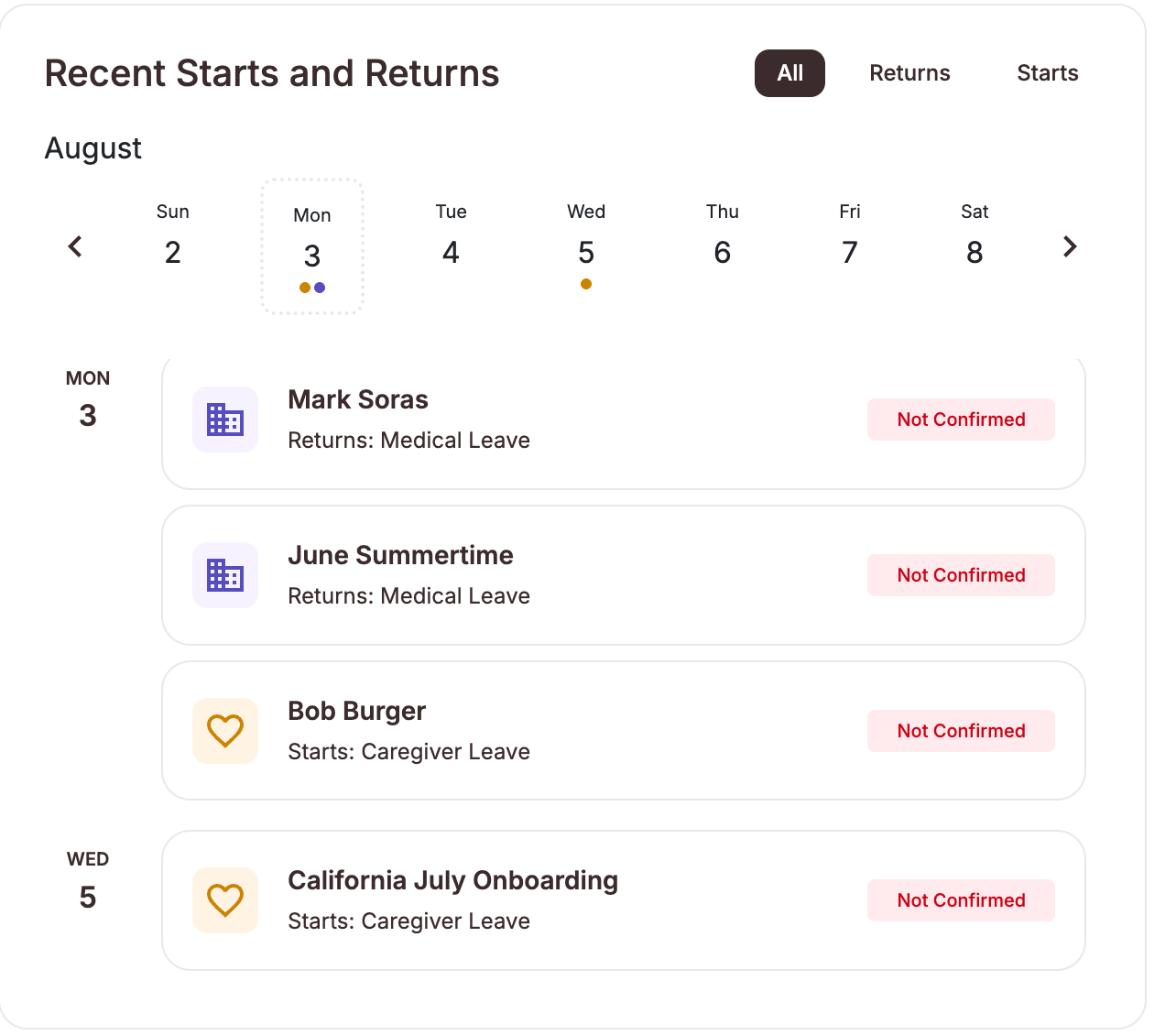
- Use the All, Returns, and Starts filters at the top of the section to view everything or narrow to just returns or just starts
- Use the left and right arrows to move through the calendar one week at a time. The current month is labeled and today's date is highlighted
- Employees starting or returning appear on their corresponding day, so you can prepare for coverage and return-to-work tasks at a glance
- If no employees are starting or returning during the week shown, you'll see "No events for this period" then browse to other weeks with the arrows
- Recent Starts and Returns shows “No events for this period”: This is expected when no employees are starting or returning in the week displayed. Use the arrows to browse other weeks, or check that the All / Returns / Starts filter isn’t narrowing your view.
- The section shows one week at a time. Use the arrows to view other weeks.
- If no employees are starting or returning during the week shown, you’ll see “No events for this period.”
- Submit a Leave Request
- Cancel a Leave Request
- Invite New Users to Tilt
- Resend the Welcome Email to New Users
- Update HR or Payroll Permissions for a User