
Overview
The Integrations page under Org Settings is where you set up data feeds and connections to other systems. Tilt offers SFTP plus HRIS integrations with Merge, Paylocity, Paycor, Workday, Bamboo, and Rippling. All HRIS integrations are 1-way (HRIS → Tilt) except Workday (2-way available). Rippling is the exception to the setup location: you configure the Rippling integration entirely in the Rippling App Store, not in Tilt.
Who this applies to / Prerequisites- You must be an HR user to manage all Org Settings.
- Your company must have completed (or be actively in) Tilt implementation.
Integrations
The Integrations page is where your organization can set up data feeds and connections to other systems.
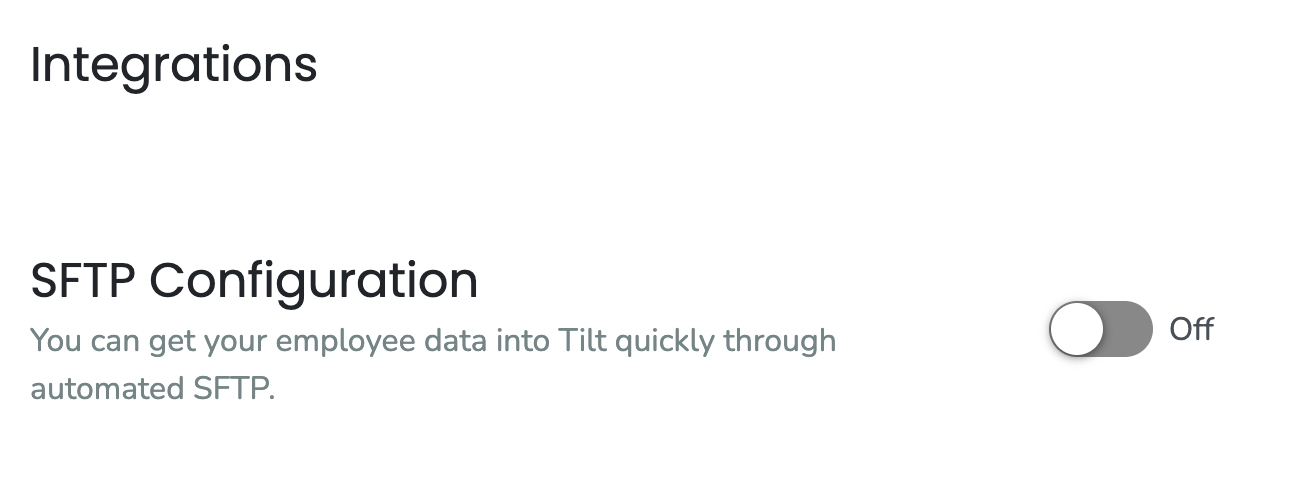
- SFTP: Enable and configure an automated SFTP connection to get your employee data into Tilt.
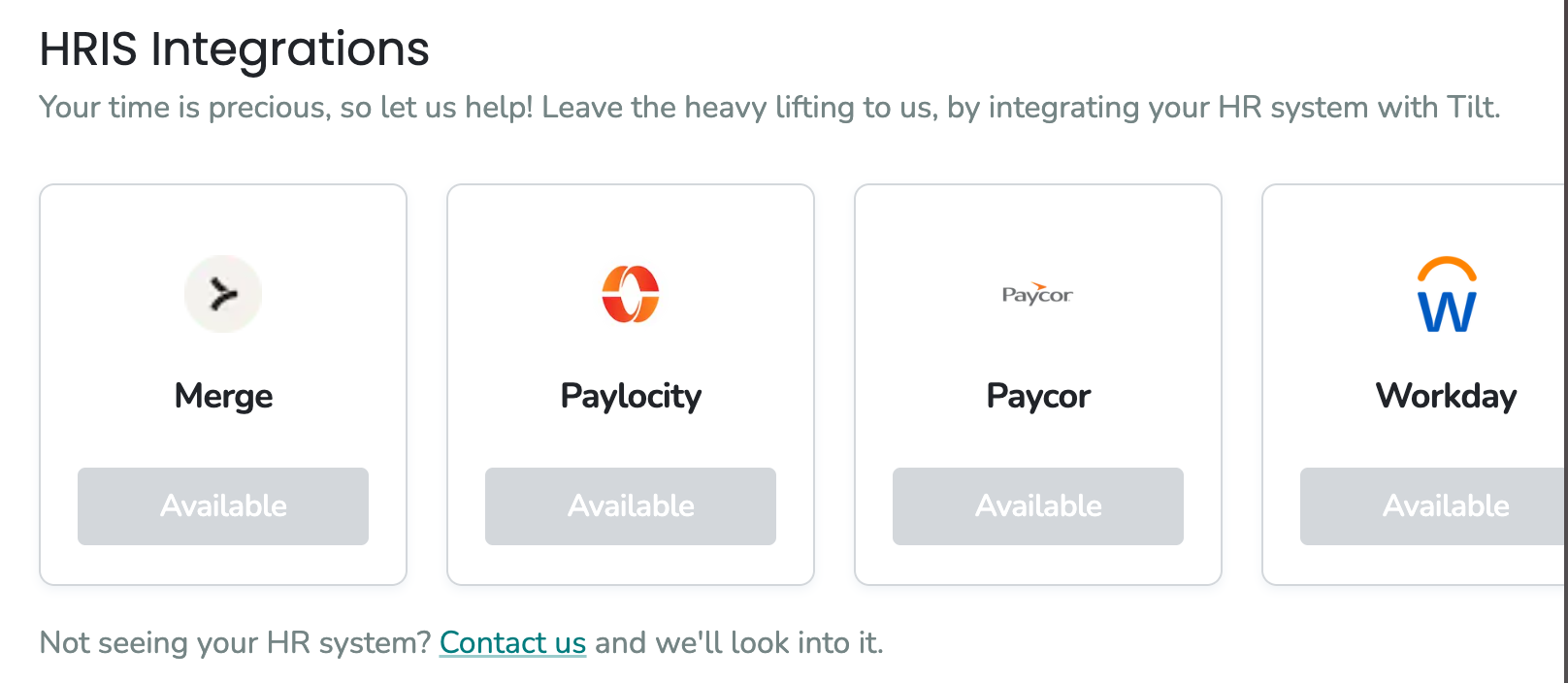
- HRIS integrations: Tilt currently offers Merge, Paylocity, Paycor, Workday, Bamboo, and Rippling.
- The Merge integration supports UKG Ready, UKG Pro, Gusto, and BambooHR.
- The standalone BambooHR integration is a dated version — for the most seamless experience, we recommend connecting BambooHR through Merge instead.
- All HRIS integrations are 1-way (HRIS → Tilt), with two exceptions:
- Workday can be set up as a 2-way integration. Workday has its own setup articles for both the 1-way and 2-way configurations.
- Rippling's 2-way integration is set up in the App Store within Rippling, not in Tilt.
- Click Org Settings, then Integrations.
- To automate data into Tilt, enable and configure an SFTP connection.
- To connect an HRIS, choose from Merge, Paylocity, Paycor, Workday, or Bamboo and follow that integration's setup article.
Note: To connect Rippling, do not use the Tilt Integrations page. Set up the integration in the Rippling App Store within Rippling instead.
How does data flow in from the Rippling integration?- Set up and manage the Rippling integration in the Rippling App Store within Rippling. All configuration is done in Rippling, not in Tilt.
- Once connected, the integration pulls employee data from Rippling into Tilt.
- Rippling supports a 2-way connection, and it is one of only two integrations (with Workday) that can feed pay period data into Tilt.
- Rippling is also the only integration that updates employee headcount automatically in Tilt.
- I can't find where to set up Rippling in Tilt: You can't. The Rippling integration is set up only in the Rippling App Store within Rippling, not on the Tilt Integrations page.
- My BambooHR integration behaves unexpectedly: The standalone BambooHR integration is a dated version. For the most seamless experience, connect BambooHR through Merge instead.
- If none of these apply, contact your Customer Success Manager or use the Contact Us option in your Tilt dashboard.
- All HRIS integrations are 1-way (HRIS → Tilt) except Workday, which can be set up as a 2-way integration.
- You cannot set up the Rippling integration from within Tilt. The Rippling integration is configured only in the Rippling App Store within Rippling. Rippling supports a 2-way connection.
- The Merge integration supports UKG Ready, UKG Pro, Gusto, and BambooHR.
- Workday has its own setup articles for both the 1-way and 2-way configurations.
- Rippling is the only integration that updates employee headcount automatically.
- Data Import (SFTP) Overview & Setup
- Rippling Integration Set Up
- Workday Integration Overview
- BambooHR via Merge
- Paycor Integration Setup
- Paylocity 1-Way Integration
- Gusto Integration
- Connecting Tilt and UKG Pro and Ready
- Org Settings: General Overview
- Org Settings Overview: Profile
- Org Settings Overview: Security
- Org Settings Overview: Cohorts
- Org settings Overview: Pay Periods
- Org Settings Overview: Benefits
- Org Settings Overview: Polices
- Org Settings Overview: Uploads
- Org Settings Overview: Exports