
You connect Tilt to Gusto from Org Settings using your Gusto client credentials, and your employee data starts flowing into Tilt automatically once you complete the connection.
Who this applies to / Prerequisites
- HR Admin role in Tilt
- Administrator role in Gusto
- An Application Key, Client ID, and Client Secret from Gusto
Steps
- Get your client credentials from Gusto: an Application Key, Client ID, and Client Secret.
- Log into Tilt as an HR Admin, click Org Settings, then select Integrations.
- Click the Merge tile and locate Gusto.
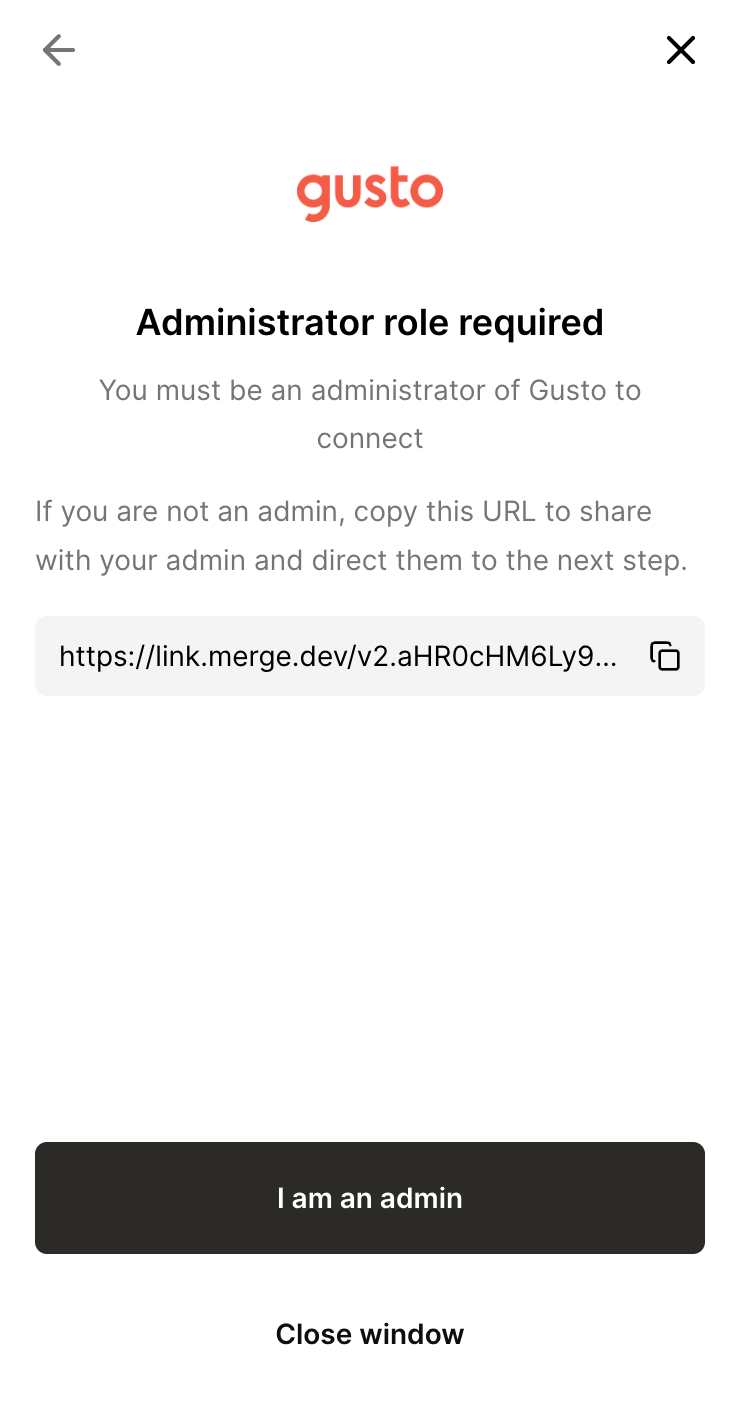
- Confirm you hold an administrator role in Gusto.
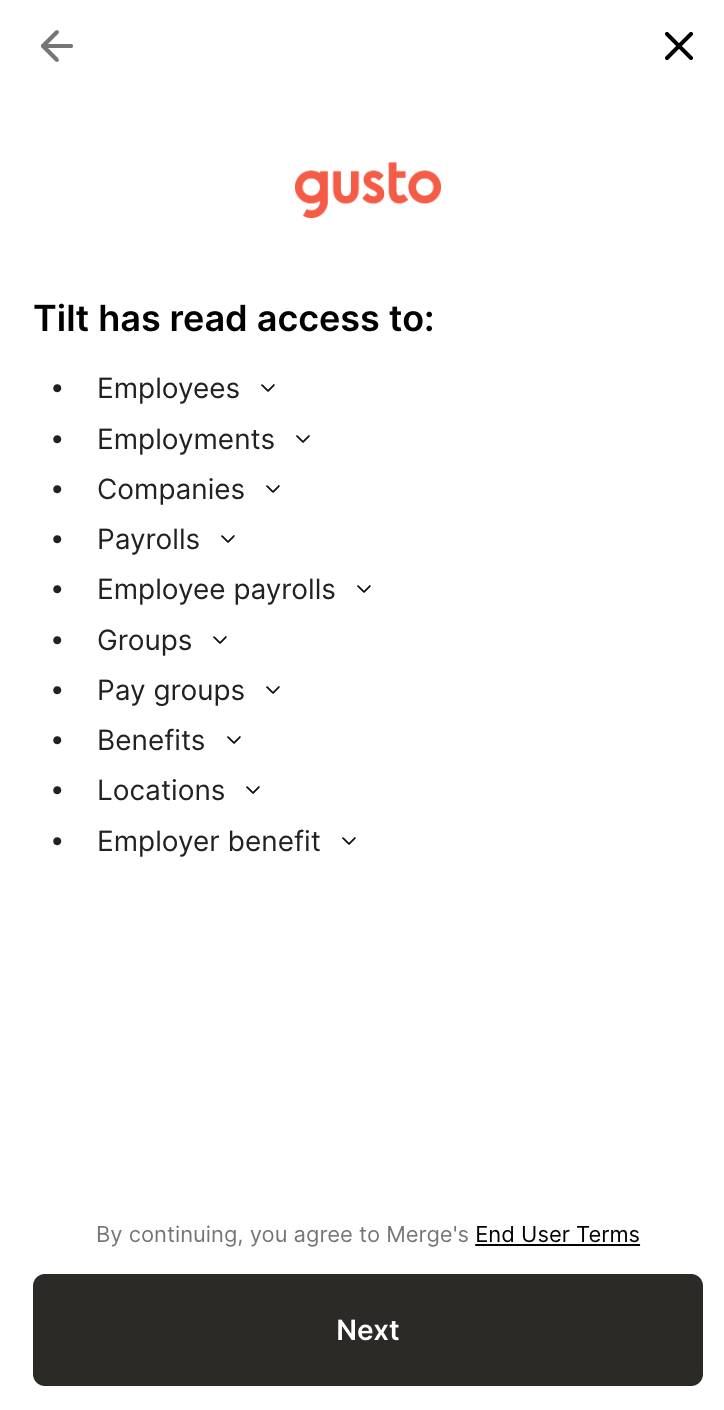
- Review the data Tilt will have access to, then click Next.
- Enter your Gusto API key and click Next — or, if you chose to use your Gusto login, complete the sign-in flow in the window that opens.
- Once you've started the connection, your employee data begins flowing into Tilt.
- If your credentials expire or Gusto adds new data permissions later, go back to Org Settings > Integrations > Merge > Gusto and click Resync — this button appears after your first successful connection.
What if it doesn't work
- If you don't see new data in Tilt within a few hours of connecting, contact your Tilt Customer Success team.
- If the connection screen shows an error, read the error message — it explains what's wrong (for example, a missing permission or invalid credential).
- Once connected, Tilt's team also monitors integration health in the background and will contact you if something needs attention.
Limits and exceptions
Only someone with an administrator role in Gusto can complete the connection.
- The first sync isn't instant — expect a delay of a few hours before employee data appears in Tilt.
- There's no self-service status page for checking integration health — monitoring and error reporting come from the Tilt team.
- You can resync at any time after the initial connection; resyncing doesn't remove or duplicate existing employee data.
Related questions
- What employee data does Tilt pull from Gusto, and how current is it?