
You connect Tilt to Rippling by installing the Tilt app from the Rippling App Shop and signing in with your Tilt login credentials. Once you finish, Tilt syncs directly with Rippling for leave and payroll.
Who this applies to / Prerequisites
- You're a Tilt customer with an active account.
- You're also a Rippling customer.
- You have admin access in both Tilt and Rippling.
- You have at least one active leave case in Tilt.
- Your Tilt contract includes the Rippling integration as a paid add-on. Confirm this with your Tilt CSM (Customer Success Manager) before you start.
- Before you connect, review your pay history and user email addresses — see [What happens to past pay periods when I connect Tilt and Rippling?]
Steps
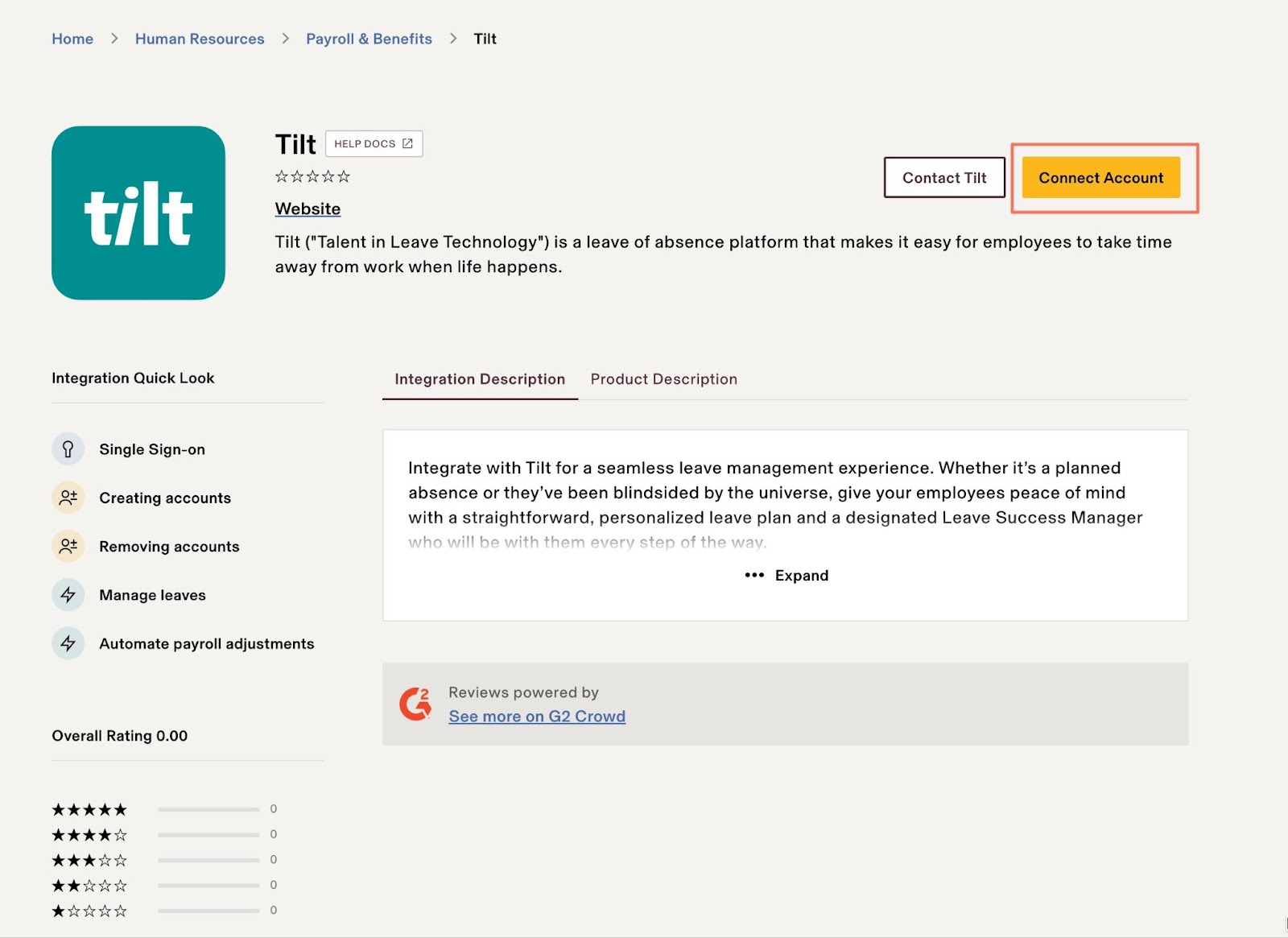
- Go to the Tilt app page in the Rippling App Shop.
- Click Connect Account in the upper-right corner.
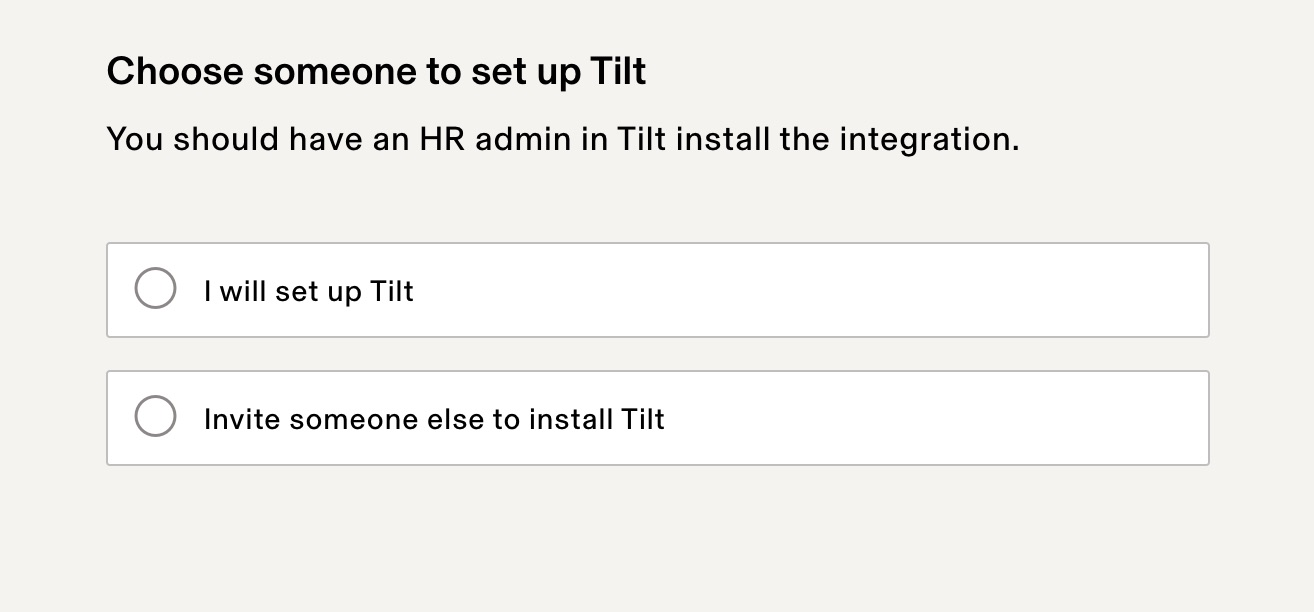
- Select who will install the Tilt app, then click Continue.
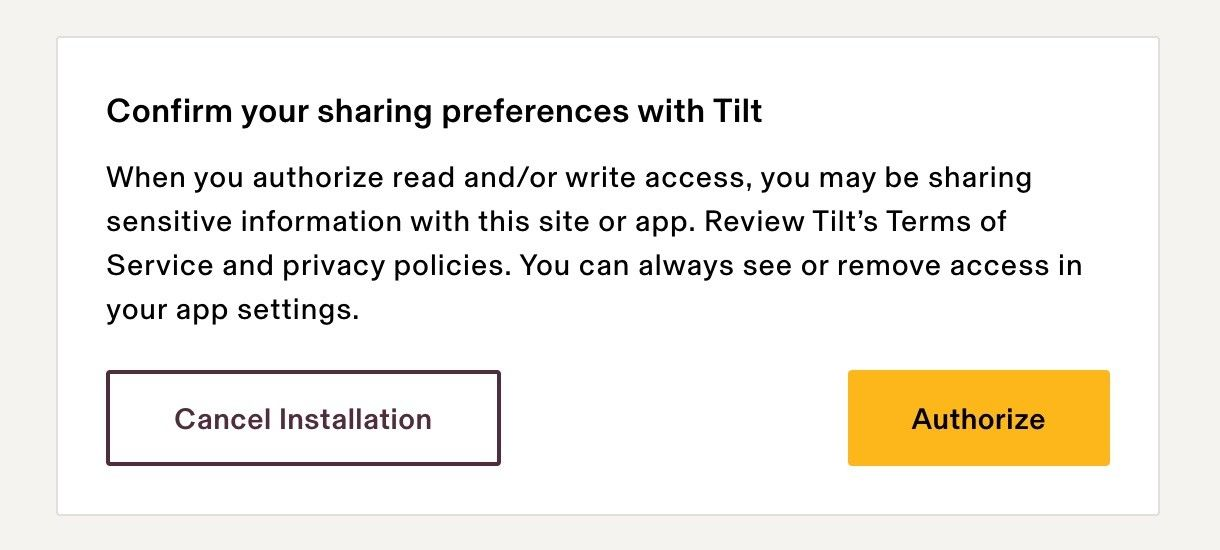
- Authorize Tilt to access your company data.
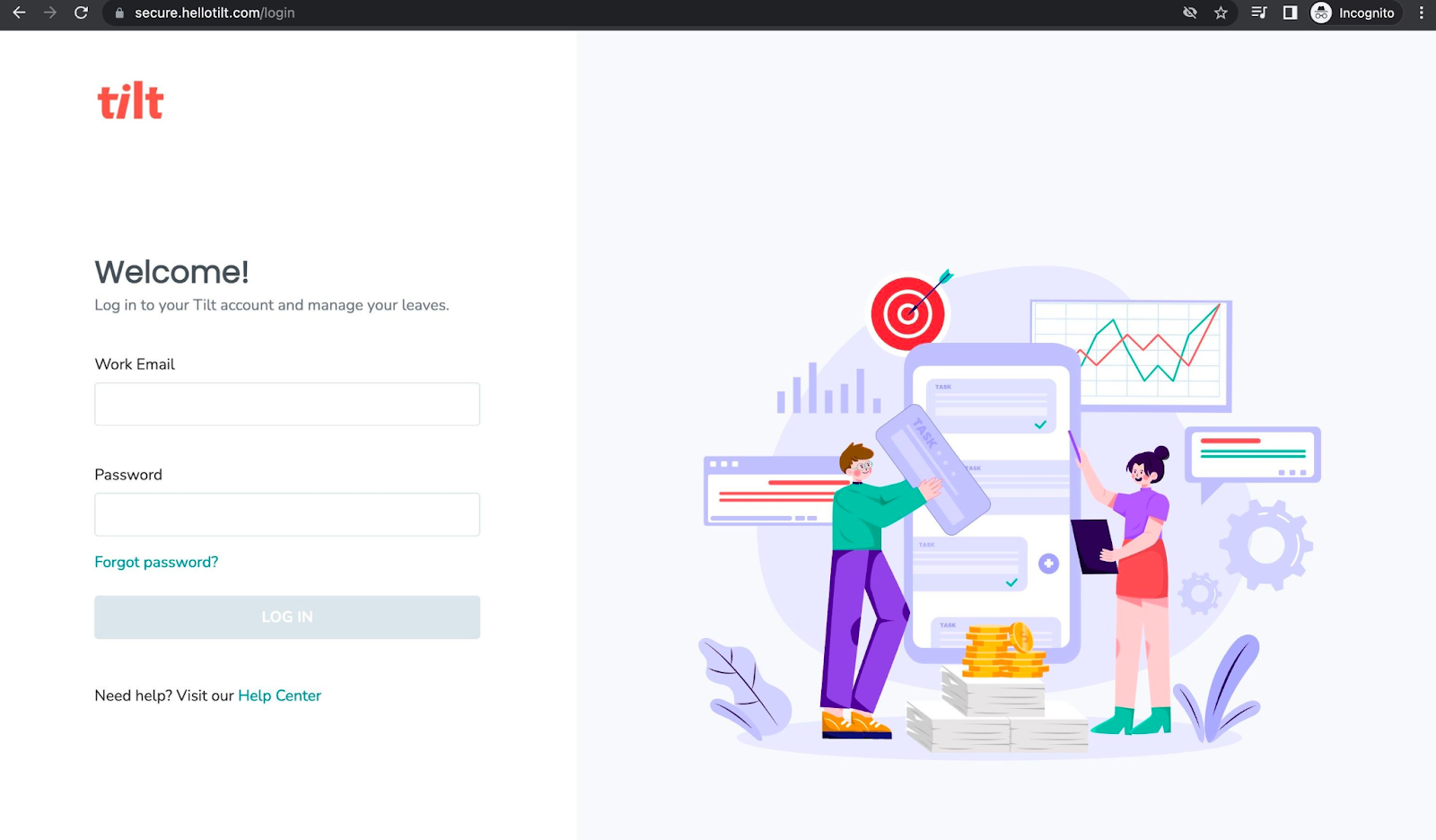
- Click Continue to log into Tilt and complete single sign-on (SSO).
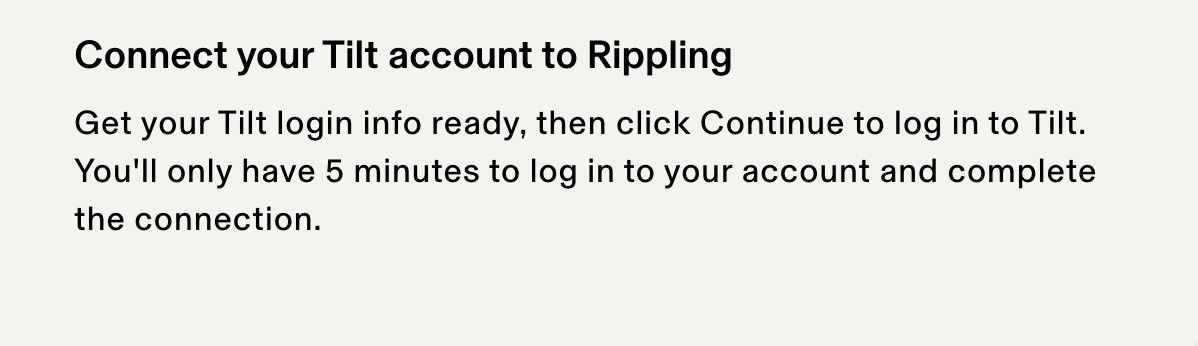
- Enter your Tilt login credentials within 5 minutes. If you take longer, you'll need to restart the SSO step.
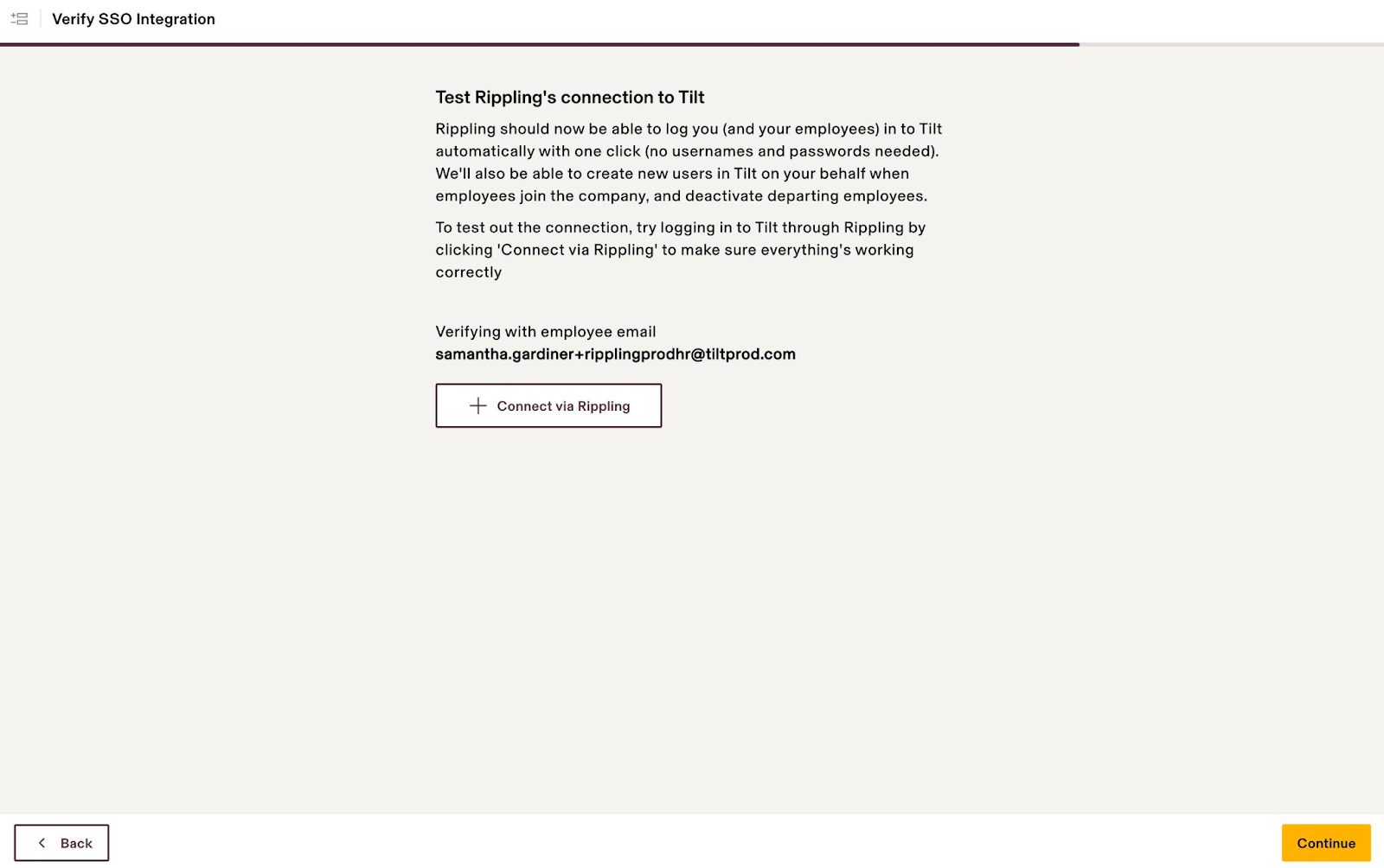
- Click Connect via Rippling to test the SSO connection, then click Continue to finish installation.
- Wait for the confirmation message. Once it appears, Tilt is connected and ready to use through Rippling.
What if it doesn't work
- No confirmation message after Step 8: the connection didn't complete. Go back to the Tilt app page in the Rippling App Shop and start over.
- You missed the 5-minute login window in Step 6: you'll need to redo the SSO step from the beginning.
- You don't have admin access in Tilt or Rippling: ask a Tilt or Rippling admin on your team to complete installation, or contact Tilt Support.
- You're not sure your contract includes the Rippling integration: contact your Tilt CSM before you start. Installing without the add-on active can leave the connection incomplete.
- Installation keeps failing after multiple attempts: contact Tilt Support.
Limits and exceptions
- You can't skip single sign-on (SSO) — Tilt requires it to connect to Rippling.
- You can't install the Tilt app without admin access in both Tilt and Rippling.
- You can't connect Tilt and Rippling unless both are active accounts and the Rippling integration is included in your contract.
- Connecting Tilt to Rippling doesn't change pay for past pay periods — see the related question below.
Related questions
- What happens to past pay periods when I connect Tilt and Rippling?