
Once Workday-side setup is done, you enter your Workday domain, tenant name, and API client credentials into Tilt's Integrations settings to finish connecting the two systems.
Who this applies to / Prerequisites
- HR or IT admins with admin access in Tilt.
- You've completed all Workday-side setup: ISU, security group, permissions, activated policy changes, authentication policy, and API client registration (see the previous articles).
- You have your Workday domain, tenant name, Client ID, Client Secret, and Refresh Token on hand.
Steps
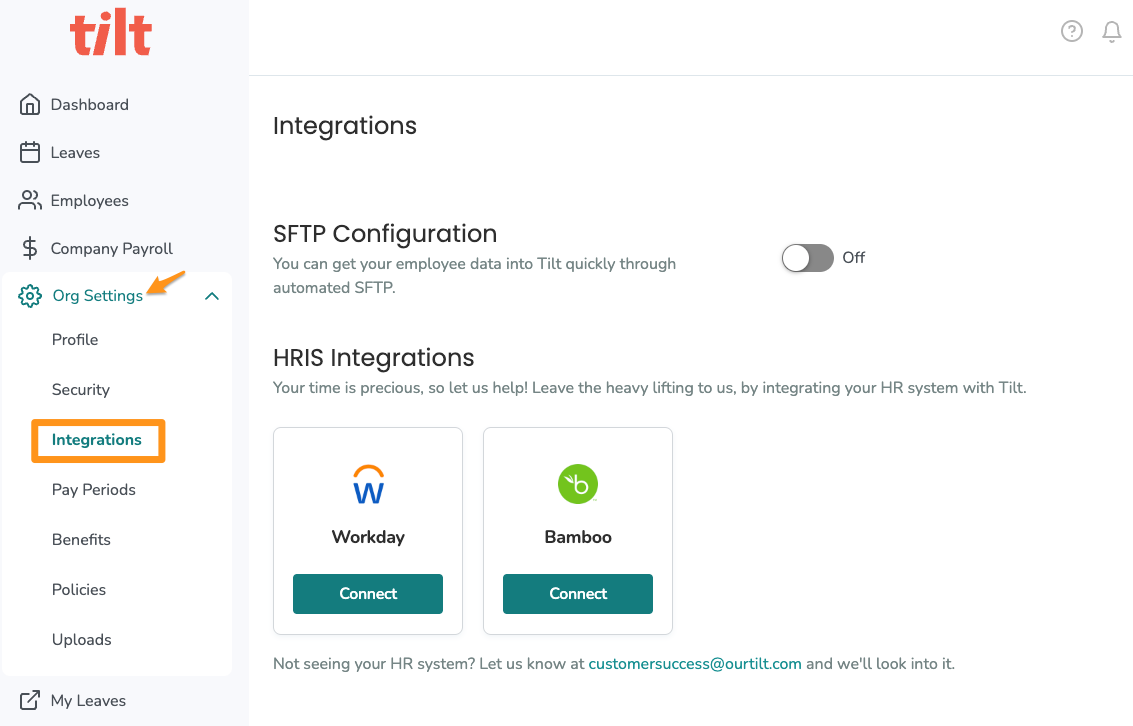
- In Tilt, click Org Settings and select Integrations.
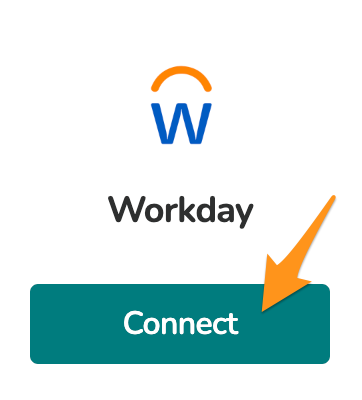
- In the Workday tile, click Connect.
- Enter your Workday domain, without https:// and without /service at the end — for example, exampletest.myworkday.com/ccx.
- Enter your Workday tenant name.
- Enter the Client ID from the API client you registered in Workday.
- Enter the Client Secret from that same API client.
- Enter the Refresh Token you generated in Workday.
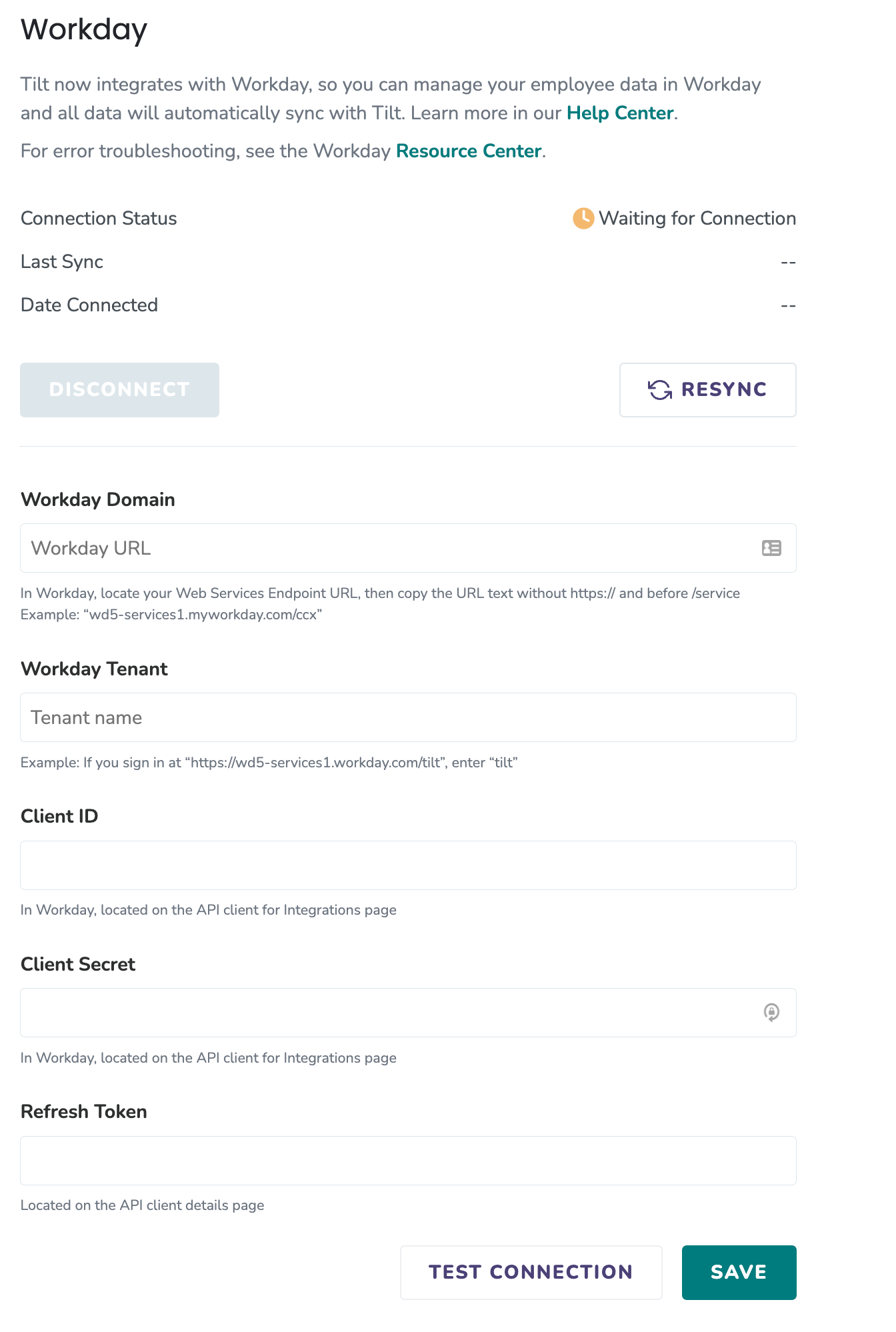
- Click Test Connection to confirm everything is working. This checks the connection only — it doesn't start pulling in any data yet.
- Click Save to finish setup and begin ingesting data from Workday.
What if it doesn't work
- If Test Connection fails, double-check your Workday domain format — it should not include https:// or /service.
- If the connection still fails, re-verify the Client ID, Client Secret, and Refresh Token were copied correctly from Workday — these are easy to mistype or truncate when copying.
- If credentials look correct but the connection still fails, confirm the authentication policy and security policy changes in Workday were both activated — unactivated changes will block the connection even if every other field is correct.
- If you're stuck after checking the above, contact Tilt Support with the exact error message shown after clicking Test Connection.
Limits and exceptions
- Clicking Test Connection never pulls in data on its own — only Save starts data ingestion.
- If you don't use Workday for payroll, expect a pay calendar ingestion error after saving — this is expected and doesn't affect the rest of the integration.
- This article covers connecting the one-way integration only. It doesn't cover configuring 2-way leave data pushback behavior in Tilt itself.
Related questions
- How do I register an API client for Tilt in Workday?
- Why is Tilt showing an error when it tries to pull pay calendars from Workday?
- What is the Tilt Workday integration, and how do I get set up?