
Overview
The Org Profile holds basic company information Tilt references for compliance notifications and that your Support Team uses to support you. It covers Basic Information (public agency/school status, handbook upload, pay calendar upload) and Employee Details (headcount, work states, US employee counts, FMLA threshold, out-of-US employees, and work-email suppression during leave). Only HR users can manage the Profile section.
Who this applies to / PrerequisitesYou must 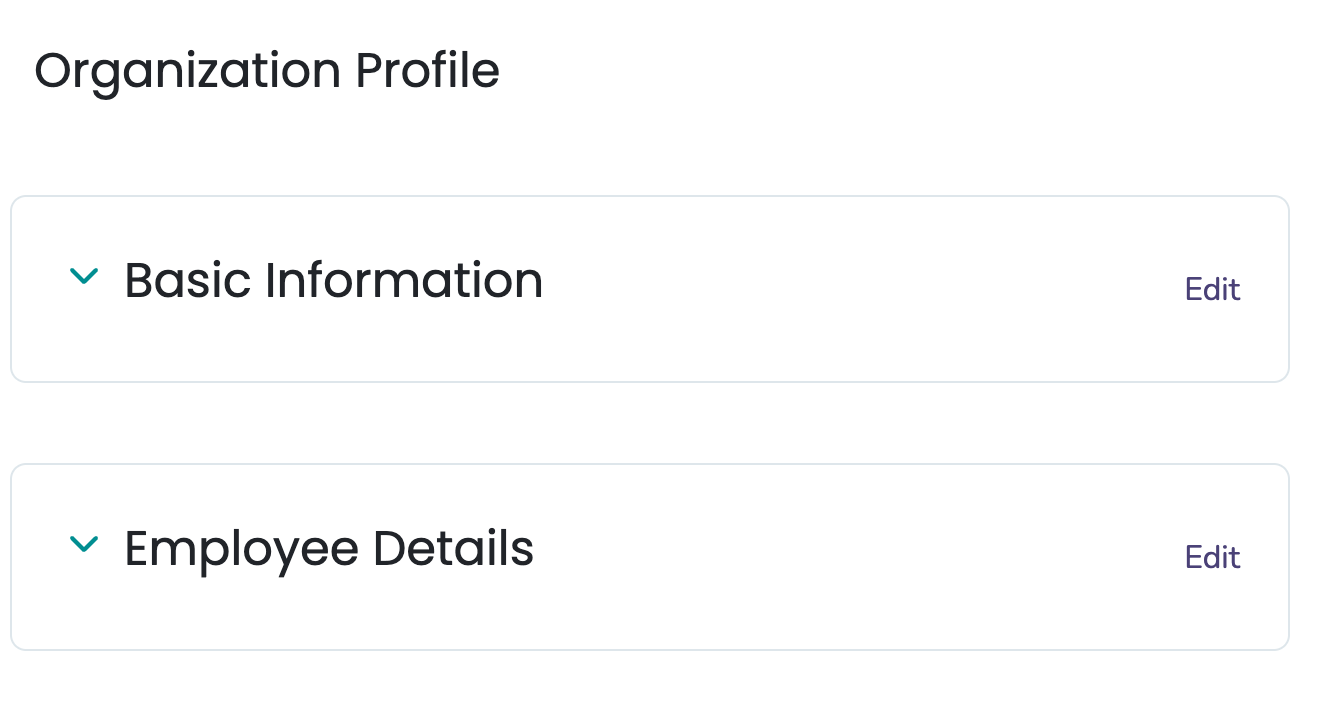
Basic Information
- Is your organization a public agency, elementary or secondary school?
- Company Handbook upload
- Company Pay Calendar upload
Employee Details
- How many current employees do you have? (Total headcount: full-time, part-time, exempt, non-exempt.)
- What states and/or territories do your employees work in? (Where employees physically perform the work — this determines which labor laws apply, not which "office" they're assigned to.)
- How many employees currently work in the US?
- Did you have 50 or more US employees for 20 or more work weeks in the current or prior calendar year?
- Do you have employees located outside the US?
- Should we prevent emails from being sent to the employees' work emails while they are on leave? (Tilt will still send emails to the employees' personal emails.)
Important Note: The Employee Headcount portion of the Profile section is not updated by any integration or SFTP feed. You will need to update this information yourself on a yearly basis, unless your team has recently reached or sits near the FMLA eligibility mark of 50 employees.
What if it doesn't work
- My headcount looks out of date: Employee headcount in the Profile section is not updated by integrations (outside of Rippling) or SFTP. Update it manually. Review it yearly.
- If none of these apply, contact your Customer Success Manager or use the Contact Us option in your Tilt dashboard.
- Employee headcount is never updated automatically by integrations, outside of Rippling, or by SFTP. You must maintain it manually.
- Update headcount yearly, unless your team has recently reached or sits near the FMLA eligibility mark of 50 employees.
- "What states and/or territories do your employees work in?" means where employees physically perform work — this determines which labor laws apply, not which office they're assigned to.
- Even with work-email suppression enabled during leave, Tilt still sends emails to employees' personal emails.
- Org Settings: General Overview
- Org Settings Overview: Security
- Org Settings Overview: Cohorts
- Org Settings Overview: Integrations
- Org settings Overview: Pay Periods
- Org Settings Overview: Benefits
- Org Settings Overview: Polices
- Org Settings Overview: Uploads
- Org Settings Overview: Exports