
Data syncs automatically between Rippling and Tilt throughout the day, with a full sync every week to catch anything that didn't push right away. You don't need to trigger a sync yourself.
Who this applies to / Prerequisites
- HR users with the Rippling Integration installed on their Tilt account
- Admin access in Rippling, if you need to manage the integration itself
Steps
- Make your update in either Rippling or Tilt.
- Wait 15–30 minutes. Rippling sends data to Tilt in timed batches throughout the day, not instantly, so most changes show up in this window.
- If you don't see the change after 30 minutes, check whether it's a Pay Schedule. Pay Schedules only update during the weekly full sync, not in real time — this can take up to a week.
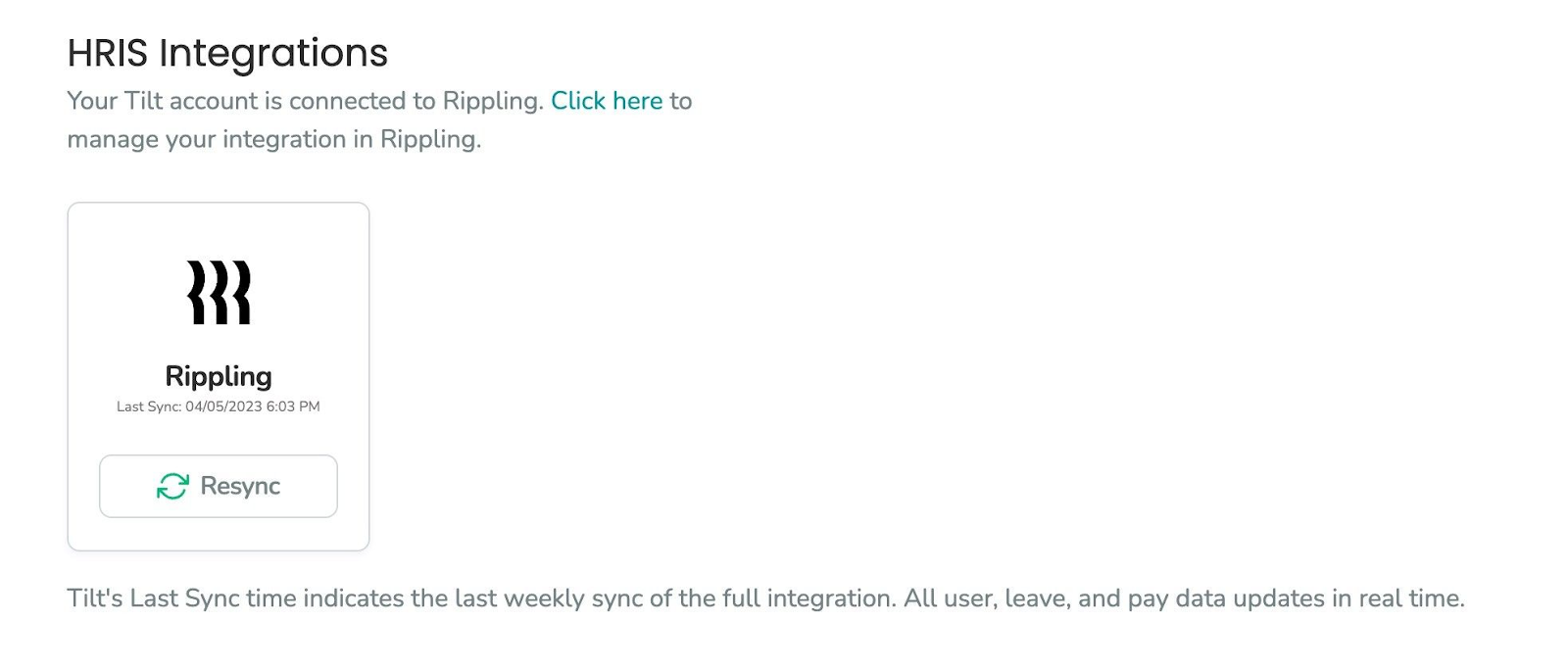
- To check when data last fully synced, go to Org Settings > Integrations in Tilt. This shows the last end-to-end sync between Tilt and Rippling.
What if it doesn't work
- Still not synced after 30 minutes, and it's not a Pay Schedule? Check the Integrations page in Org Settings for the last sync time.
- Sync looks stuck or the integration seems disconnected? Integration connection and setup are managed in Rippling, the same way you'd manage any other Rippling app. Contact Rippling's support team for connection issues.
- Change made directly in Tilt disappeared or got overwritten? Rippling is the source of truth for employee data — see [What employee data does Rippling share with Tilt?] for how to fix this correctly.
Limits and exceptions
- Pay Schedules only update on the weekly full sync — they don't sync in real time like most other data.
- Tilt can't force an immediate or on-demand sync. Batch timing is controlled by Rippling.
- Reconnecting, disconnecting, or reconfiguring the integration happens in Rippling, not in Tilt.
Related questions
- What employee data does Rippling share with Tilt?
- What pay and payroll data does Tilt send to Rippling, and why might the numbers not match between systems?
- What do I do if the data in Rippling and Tilt doesn't match, or I need help with an integration issue?