
With the integration turned on, Tilt automatically pre-fills employee data in the leave survey for both HR users and employees, so neither of you has to type it in manually.
Who this applies to
- HR users who initiate leave requests on behalf of employees
- Employees starting a leave request for themselves
- Companies with the Paylocity integration set up and connected (see "How do I set up the Paylocity integration in Tilt?")
Steps
- Start a new leave request in Tilt the same way you always have.
- Tilt checks the Paylocity data already synced for that employee.
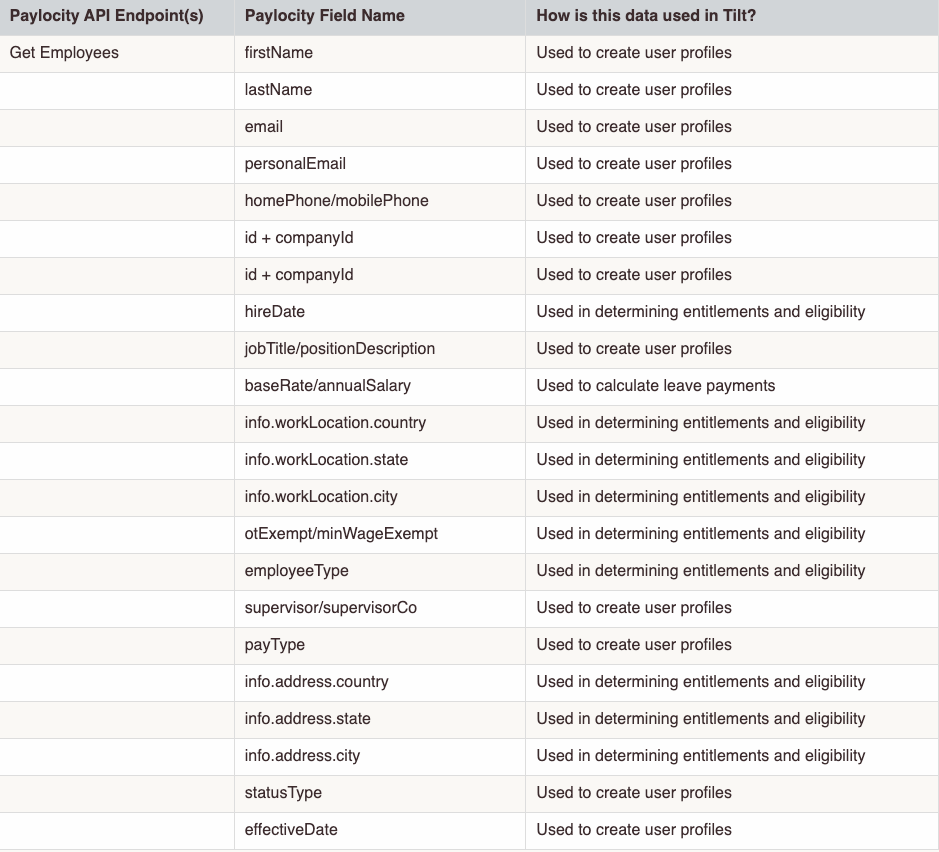
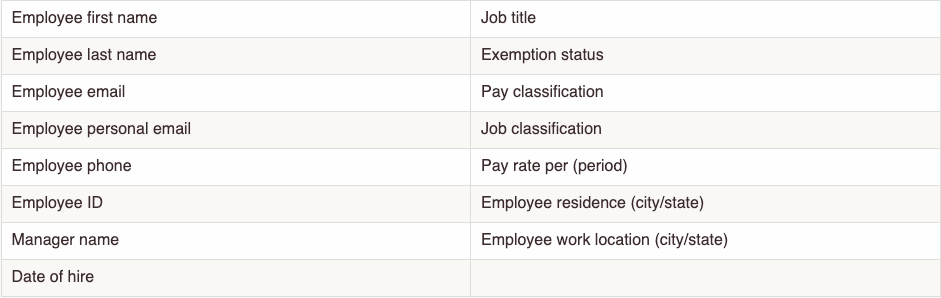
- If you're an HR user, these fields pre-fill automatically: employee first name, last name, email, personal email, phone, employee ID, manager name, date of hire, job title, exemption status, pay classification, job classification, pay rate per period, residence (city/state), and work location (city/state).
- If you're an employee starting your own request, these fields pre-fill automatically: job title, residence (country/state/city), work location (state/city), and personal email.

- Fill in any remaining fields the survey still asks for — those aren't covered by the integration.
- Submit the leave request as usual.
What if it doesn't work
- If a field isn't pre-filled, confirm the Paylocity integration is turned on and connected for your company.
- If the pre-filled info looks outdated, check the sync schedule: profile fields update daily, but eligibility and demographic data updates weekly, so a recent change may take up to a week to show up.
- If pre-filled information is wrong, HR users should contact Tilt Support to have it corrected; employees should tell their HR team so they can fix it at the source in Paylocity.
- If you're an employee and you're not sure whether your company uses this integration, ask your HR team.
Limits and exceptions
- Only the fields listed above pre-fill. Everything else in the leave survey still needs to be entered manually.
- Leave Specialists are automatically notified of employee changes that could affect pay or benefit eligibility — no one needs to notify them manually.
- This is a one-way integration — nothing entered in Tilt gets sent back to Paylocity.
- You don't need to manually update Tilt about changes to the synced fields while on leave — they stay in sync automatically. Corrections still have to happen in Paylocity, not directly in Tilt.
Related questions
- How do I set up the Paylocity integration in Tilt?