
Once the integration is installed, Tilt and Rippling automatically exchange employee, leave, and pay data — you don't have to manually re-enter the same information in both systems.
Who this applies to / Prerequisites
- HR teams and payroll admins at companies using the active Tilt-Rippling integration
- Requires the Tilt App already installed in Rippling
- Applies fully to US-based, non-contractor employees — see Limits below for other employee types
Steps
- When the Tilt App is installed in Rippling, Tilt automatically imports employee data for all US-based, non-contractor employees.
- If an employee's salary, pay schedule, location, or other leave-relevant details change in Rippling, Tilt automatically pulls in those changes.
- Tilt notifies your Leave Specialist to update the employee's pay calculation or leave plan based on the change.
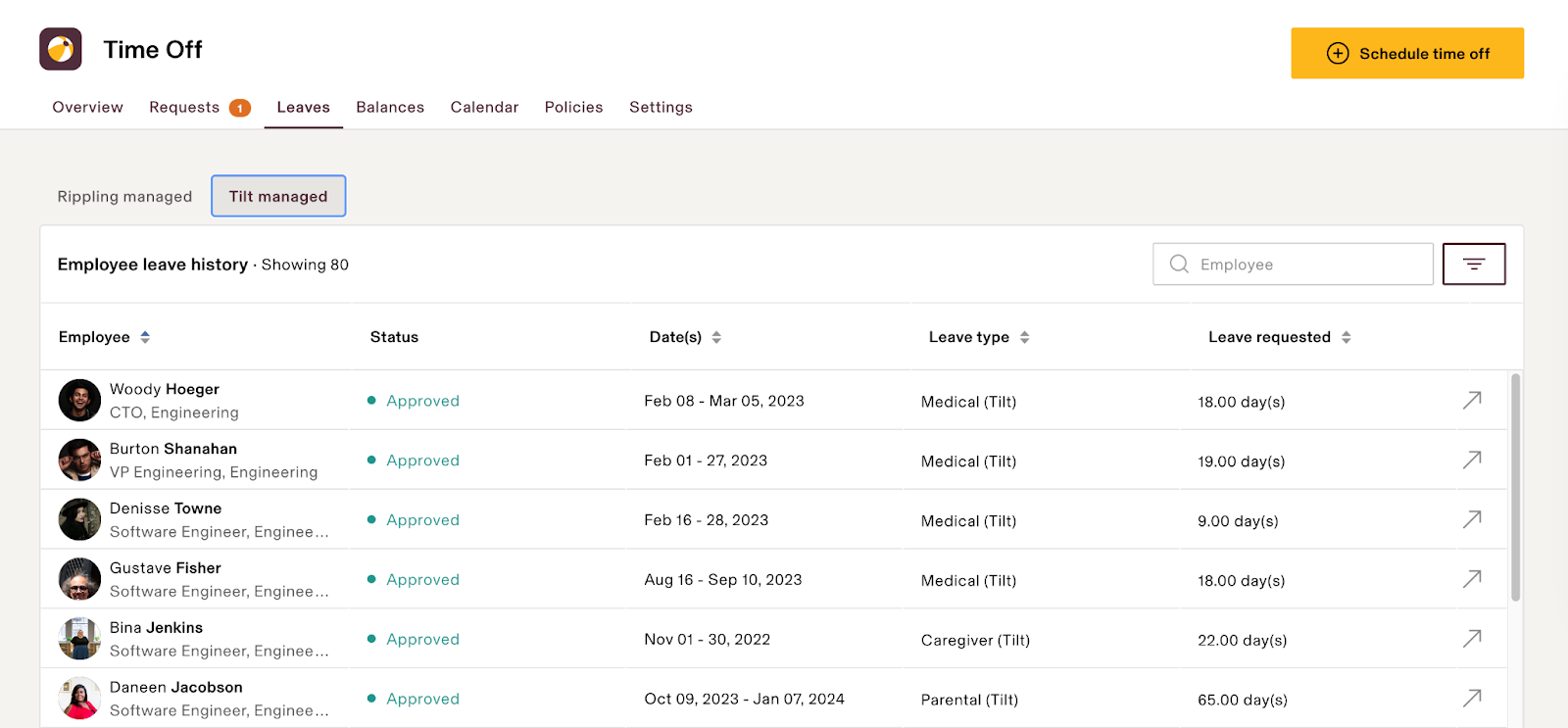
- Once a leave is finalized in Tilt, Tilt pushes the leave start and end dates — including individual time-off blocks for intermittent leave — to Rippling.
- Those dates appear in the Rippling Leave Management App.
- Tilt pushes pay data back to Rippling for the current payroll run, plus any adjustments from past pay periods.
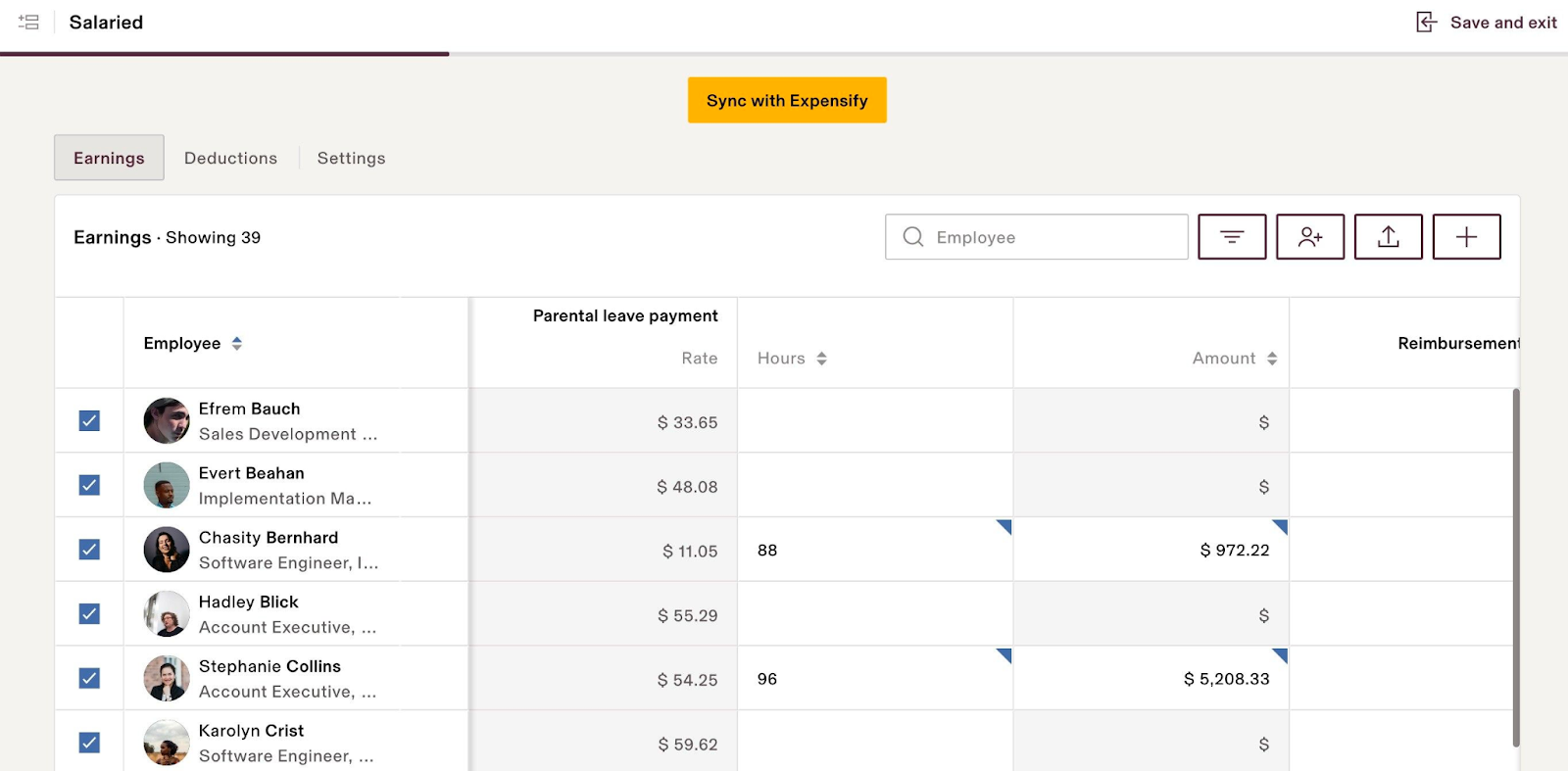
- If a Rippling pay run has already closed by the time Tilt tries to push data to it, Tilt closes the matching pay period on its side instead.
What if it doesn't work
- An employee's info changed in Rippling but Tilt hasn't updated yet: allow 1–2 business days for your Leave Specialist to process the change and republish the pay calculation or leave plan.
- Leave dates or time-off blocks aren't showing up in Rippling's Leave Management App: confirm the leave has been finalized in Tilt first — only finalized leave dates push over.
- Pay data didn't land in the payroll run you expected: check whether that pay period was already closed in Rippling before Tilt tried to push the update. If so, the adjustment automatically rolls into the next pay period — this isn't an error.
- Data still looks wrong after 2 business days: contact Tilt Support.
Limits and exceptions
- Only US-based, non-contractor employees sync automatically. Contractors and employees outside the US don't sync through this integration.
- Processing an employee change into an updated pay calculation or leave plan takes 1–2 business days — it isn't instant.
- Tilt can't push pay data into a Rippling pay run that's already closed. The adjustment moves to the next pay period instead; it isn't lost or skipped.
- This article covers sync behavior only — for the exact list of data fields that sync in each direction, see the Data Management article referenced below.
Related questions
- How do I sign in to Tilt from Rippling?